
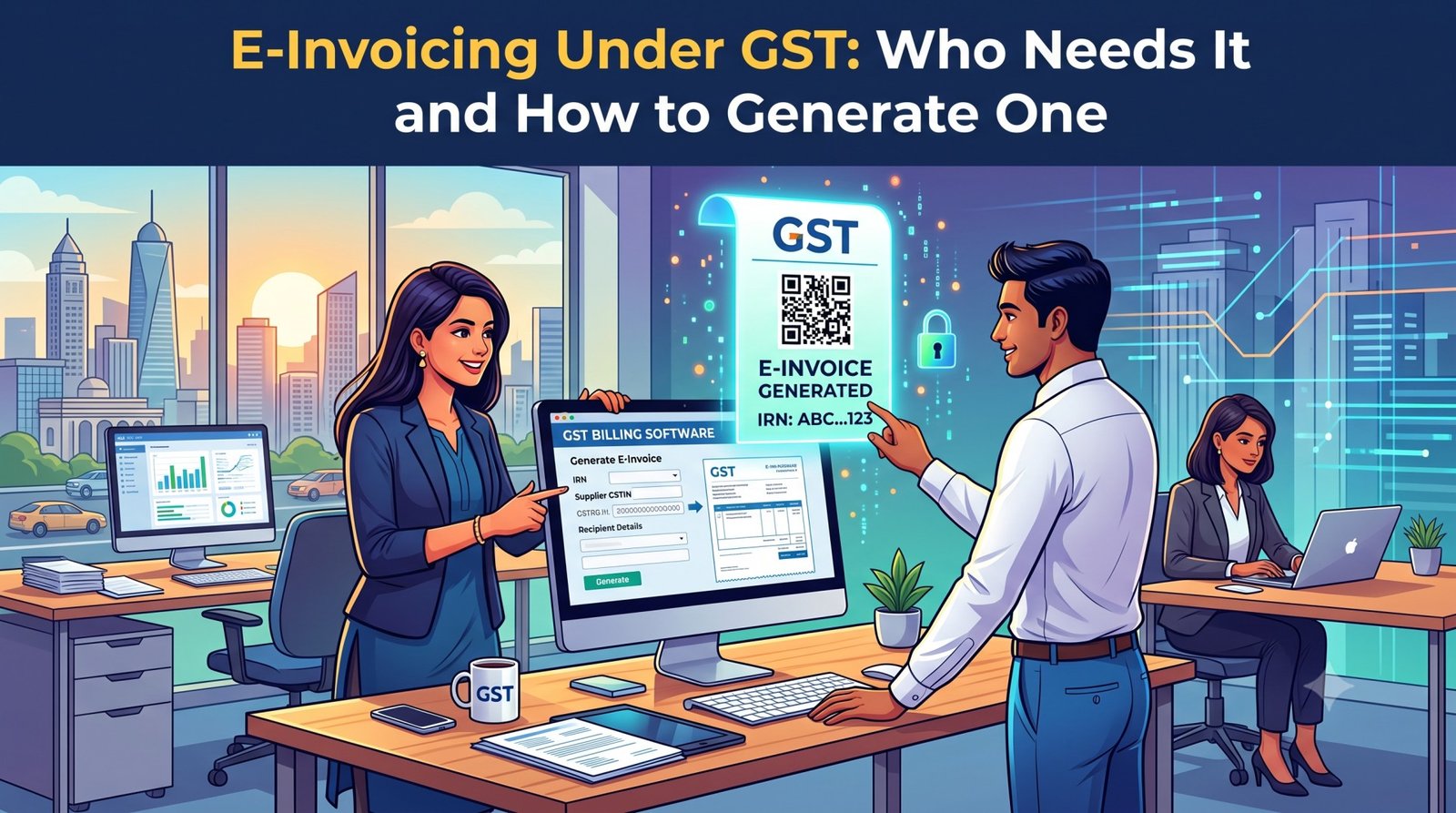
If you’ve ever heard a fellow business owner say “I just switched to e-invoicing” and wondered whether that applies to you too, you’re not alone. E-invoicing has quietly expanded every couple of years since it launched in 2020, and in 2026 it covers a much wider slice of Indian businesses than most owners realize. Here’s what it actually is, who’s required to use it, and exactly how to generate one.
What E-Invoicing Actually Is
E-invoicing isn’t about creating your invoice on a government website — that’s a common misconception. You still generate your invoice in your own billing or accounting software, exactly as before. The difference is what happens next: that invoice gets reported, in a structured JSON format, to the government’s Invoice Registration Portal (IRP), which validates it and returns two things —
- An Invoice Reference Number (IRN) — a unique 64-character code generated using a hash algorithm
- A digitally signed QR code containing key invoice details
Without a valid IRN and QR code, your tax invoice isn’t legally valid under GST — regardless of whether the tax calculation itself is correct. That’s the part that catches businesses off guard: it’s not about what’s on the invoice, it’s about whether it’s been authenticated by the IRP.
Who Needs It
E-invoicing is mandatory for any GST-registered business whose Aggregate Annual Turnover (AATO) has crossed ₹5 crore in any financial year since 2017–18. A few important details make this rule stickier than it first appears:
- It’s permanent once triggered. If you crossed ₹5 crore even once, e-invoicing stays mandatory for you going forward — even if your turnover drops below that in a later year.
- Turnover is calculated at the PAN level, not per GSTIN. If you run multiple branches or state registrations under one PAN, all of them are added together to determine whether you’ve crossed the threshold.
- It applies to B2B, exports, SEZ, and deemed-export supplies — not to your regular B2C retail counter sales.
- A handful of sectors are exempt regardless of turnover: SEZ units, insurers, banking companies, NBFCs, goods transport agencies, passenger transport services, and multiplex cinema admissions.
If your business is creeping toward ₹5 crore, it’s worth getting e-invoice-ready before you actually cross the line — that way your first mandatory filing period is routine, not a scramble.
The 30-Day Reporting Rule
There’s a second threshold that matters if you’re a larger business: since April 2025, businesses with AATO of ₹10 crore or more must report each invoice to the IRP within 30 days of the invoice date. Miss that window and the portal simply rejects the upload — you’d then need to issue a credit note instead of correcting the original invoice.
How to Generate an E-Invoice: The Step-by-Step Process
Step 1: Register on the IRP
Head to the official e-invoice portal at einvoice1.gst.gov.in. If you’re already registered on the e-way bill portal, you can log in with the same credentials. First-time users register using their GSTIN, with OTP verification sent to their registered mobile number.
Step 2: Choose Compatible Billing Software
You don’t need to type invoice data manually into a government form every time (though a manual/offline utility does exist for very low invoice volumes). Any billing software that supports the prescribed e-invoice schema will do — it should be able to generate the invoice in the correct JSON format automatically as part of your normal billing flow.
Step 3: Create the Invoice With Complete, Verified Details
This is the step where most rejections happen, so get it right the first time:
- Your GSTIN (supplier) and the buyer’s GSTIN — verify the buyer’s GSTIN at search.gst.gov.in first; an inactive or incorrect GSTIN causes an automatic validation failure and wastes the whole submission
- Invoice number and date
- HSN codes for every line item, at the correct digit length for your turnover slab
- Quantity, unit of measurement (UQC), and unit price for each item
- Taxable value and tax amounts (CGST/SGST or IGST)
- Transporter details and vehicle number, if you’re generating an e-way bill at the same time
Step 4: Submit to the IRP
The JSON file is uploaded to the IRP — either through your billing software’s direct API integration (the standard route for regular invoice volumes) or manually via the offline utility for occasional use. Bulk generation tools are also available for businesses processing many invoices at once.
Step 5: IRP Validation
The IRP checks the submission for duplicates against the Central Registry of GST and confirms the data is structurally valid. This is an automated check — it’s also where issues like mismatched taxable values or invalid HSN codes get flagged.
Step 6: IRN and QR Code Generation
Once validated, the IRP generates the unique IRN, digitally signs the invoice, and produces the QR code. This all happens within seconds through API integration.
Step 7: Receive and Share the Authenticated Invoice
The IRP sends the signed JSON file, IRN, and QR code back to your billing software. You print the IRN and QR code onto the invoice and share it with your buyer — the invoice is now legally complete.
Step 8: Automatic Downstream Sync
One of the genuine time-savers here: authenticated e-invoice data is automatically shared with both the e-way bill system and your GST returns. It auto-populates your GSTR-1 and flows into your buyer’s GSTR-2A/2B, which means less manual reconciliation on both ends.
What Happens If You Skip It
If your business is above the ₹5 crore threshold and you issue an invoice without a valid IRN, that invoice is treated as not issued at all under GST law. The consequences are direct:
- Your buyer cannot claim input tax credit on it
- The invoice won’t reconcile properly in GSTR-1/GSTR-2B
- Penalties apply — up to 100% of the tax due, or ₹10,000 per invoice, whichever is higher, under Section 122 of the CGST Act
For a business doing even a modest volume of B2B billing, that’s not a risk worth carrying for the sake of avoiding a one-time software setup.
Common Mistakes to Watch For
- Uploading invoices past the cancellation window. You can only cancel an e-invoice within 24 hours of generation. After that, the fix is a credit note, not a cancellation.
- Wrong HSN digit length. The number of digits required depends on your turnover slab — getting this wrong is one of the most frequent causes of rejected or flagged invoices.
- Skipping GSTIN verification. A single inactive or mistyped buyer GSTIN kills the whole submission — always confirm status before submitting.
- Treating B2C invoices the same as B2B. E-invoicing doesn’t apply to your retail counter sales, only to B2B, export, SEZ, and deemed-export supplies. Generating IRNs for B2C by mistake just adds unnecessary work.
The Practical Takeaway
E-invoicing sounds like a compliance burden the first time you read the rules, but in daily use it’s mostly invisible if your billing software handles the JSON generation and IRP submission automatically. The real work is upfront: getting your buyer GSTIN verification, HSN codes, and invoice data clean and consistent, so the IRP validates on the first try instead of bouncing invoices back for correction.
If you’re approaching the ₹5 crore mark, the smart move is switching to e-invoice-capable billing software now, while it’s optional — not in the month you cross the threshold and suddenly need it working perfectly on day one.

Leave a Reply